


Choosing a primary school can leave you staring at tables and wondering what the figures mean for your child. These five sites help you compare schools in England, but they show different kinds of evidence. Start with the information that fits your decision, then check the details that a headline score can hide.
1. Schoolwize — compare official evidence in context
Schoolwize turns official data about schools in England into family-friendly school profiles. It suits parents who want to look beyond one result and see how a school’s published evidence changes over time.
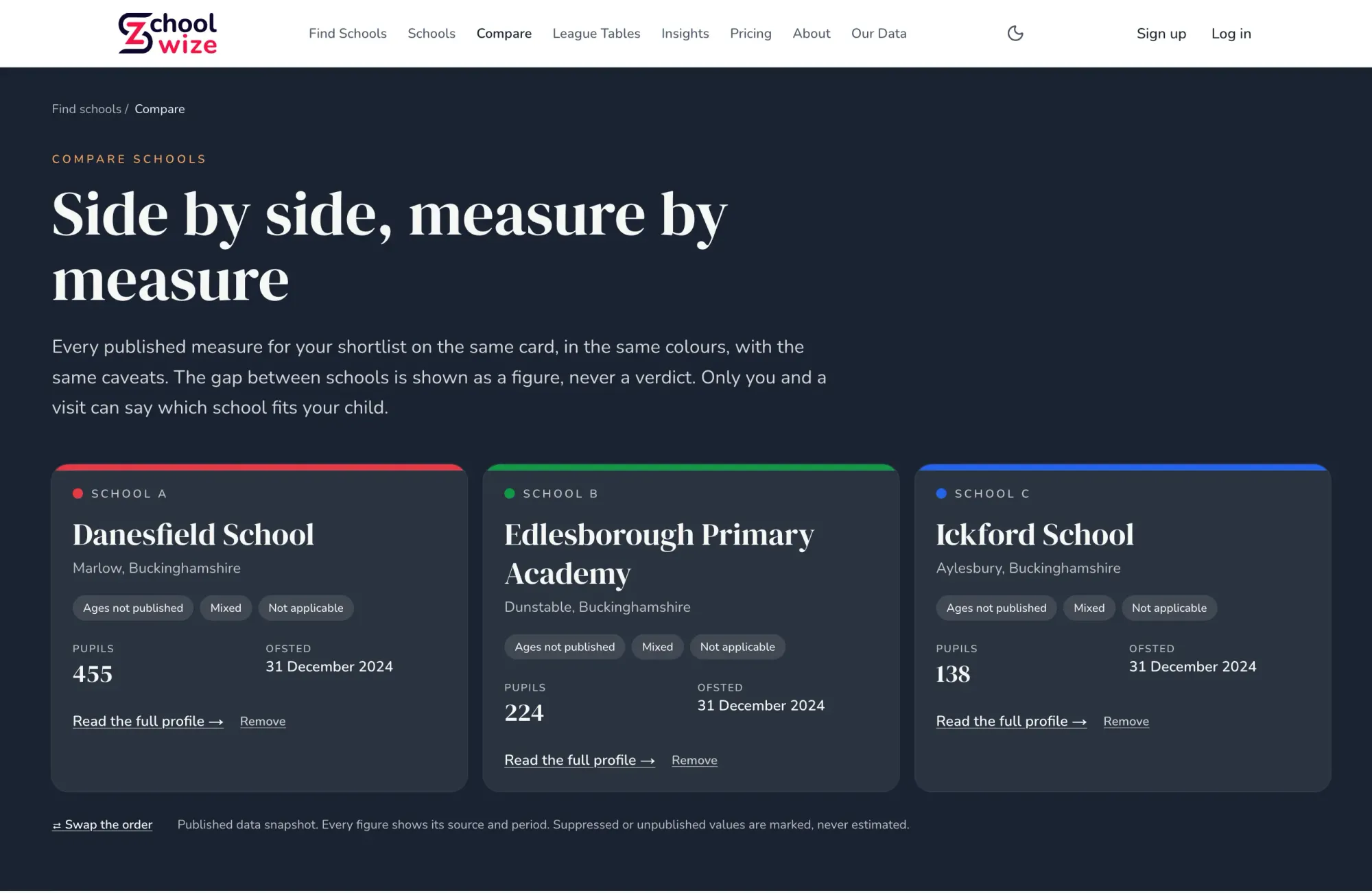
For primary schools, it presents Key Stage 2 (KS2) results in reading, writing and maths, including the expected standard and greater depth where published. Figures can be viewed against local-authority and England benchmarks. Schoolwize also brings in inspection history, attendance and pupil context, so you can place results beside other evidence rather than treating them as a verdict.
Its comparison view puts measures for a shortlist side by side. Each figure has its source and period, while missing or suppressed values aren’t filled in with estimates. The benchmarks and trend lines are Schoolwize’s own analysis of official data, shown separately from the source figures. You can browse for free; a Decision Pass unlocks deeper subject-level detail.
The Schoolwize school comparison view is useful when you have two or more schools in mind and want to compare the same measures. You can also check performance information using a published service.
Use the figures to shape questions for a school visit. They can show a pattern, but they can’t tell you what your child’s day-to-day experience will be.
2. schoolcompare: put five English schools side by side
schoolcompare lets families place up to five primary schools side by side. It suits parents with a shortlist who want to review SATs results and inspection information in one view.
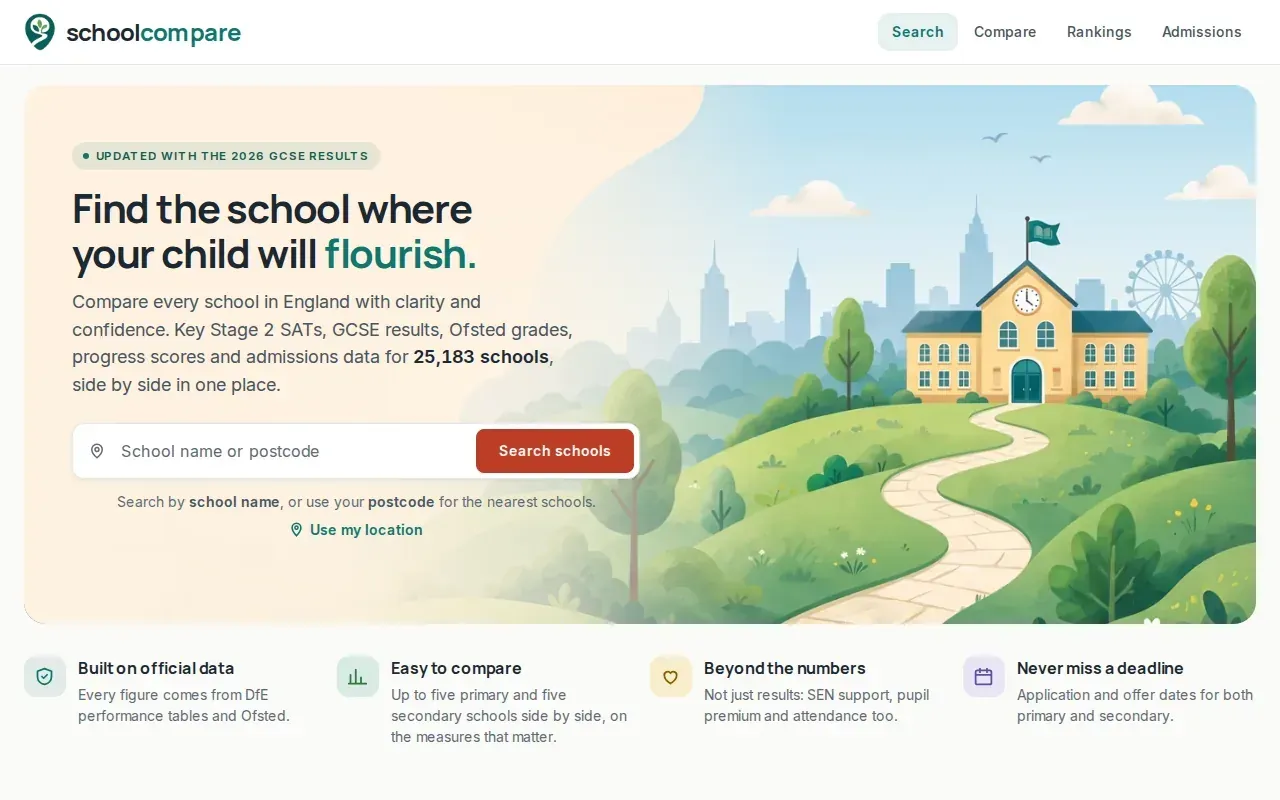
For primary schools, it shows the share of pupils reaching the expected standard and the higher standard in each subject. The site also brings together Ofsted information, progress scores and admissions data. A page can adapt to the school phase, which helps when a family is comparing different types of school or thinking ahead.
One useful distinction is that primary attainment and secondary measures answer different questions. A primary result describes KS2 outcomes; Attainment 8 is a secondary-school measure based on GCSE results across a set of subjects. For primary comparisons, use the KS2 figures rather than treating a secondary measure as a proxy.
Schoolwize’s KS2 SATs information for primary schools gives another way to inspect reading, writing and maths results. In either view, a single year is only a snapshot. Look for a steady pattern and check whether the same measure is being compared across each year.
Admissions figures need care, too. They can help explain local demand, but they don’t tell you whether your own application will succeed. The school’s published admissions rules still matter.
3. School Owl: explore school comparisons from Reception onwards
School Owl helps UK families compare more than 10,000 schools, view league tables and explore admissions from Reception to Sixth Form. It may suit families who want one place to begin researching different school phases.
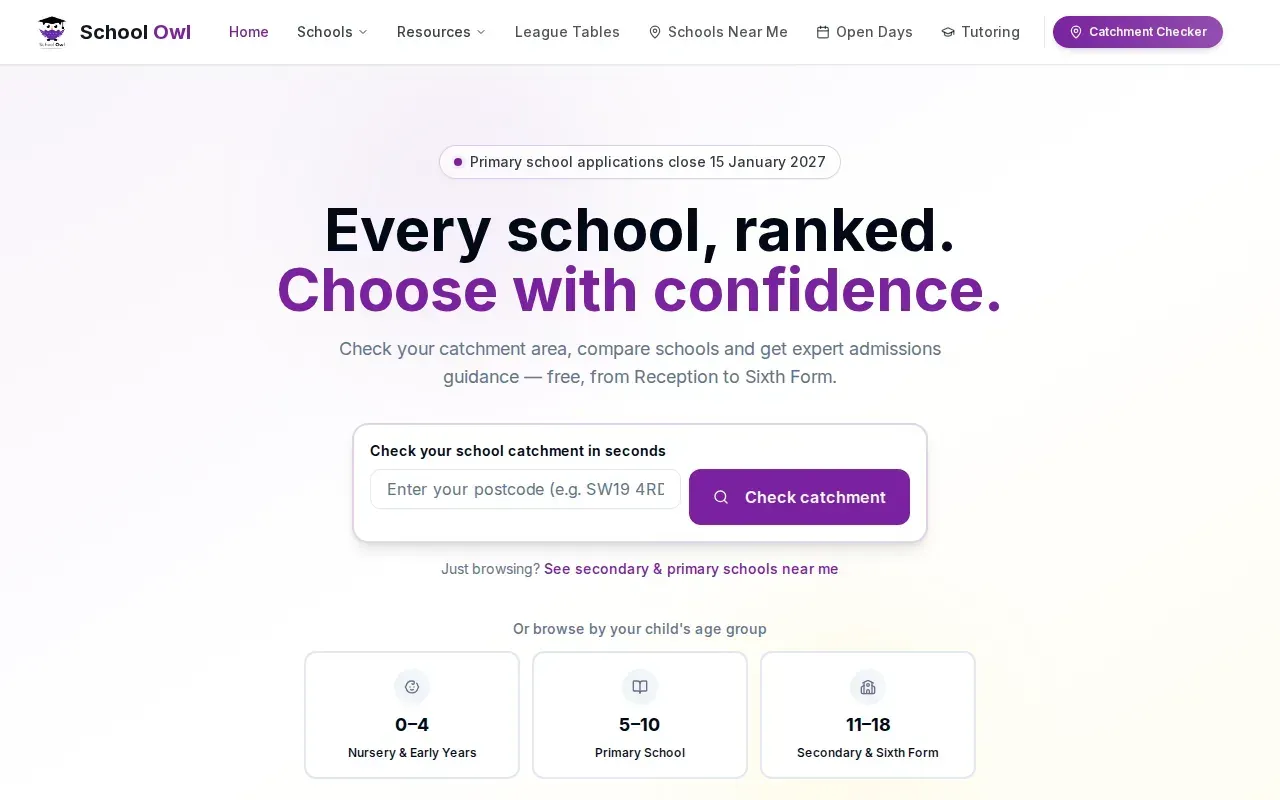
Its league-table view gives you a broad way to scan results, while its Reception-to-Sixth-Form scope can help if your family is planning more than the first school move. Keep the purpose of each figure in mind: a league table can show relative position on a chosen measure, but it can’t describe every part of a school’s work or your child’s fit.
When checking a result, note the measure and the period it covers. A league-table position can change if the data or the measure changes. Pair it with dated inspection information and, where possible, a visit or conversation with the school.
For a broader view of schools by area, Schoolwize’s area pages let you start with a local authority and then explore school profiles. That can help families who are new to an area and don’t yet have a shortlist.
School Owl’s coverage spans several phases. For a Reception decision, focus your questions on the primary information rather than assuming that a broad table captures what matters in the early years.
4. PickMySchool: filter English schools by relevant criteria
PickMySchool lets families search and compare more than 27,000 schools across England. It suits parents who want to narrow a wide search using criteria such as Ofsted rating, exam results, SEN provision or location.
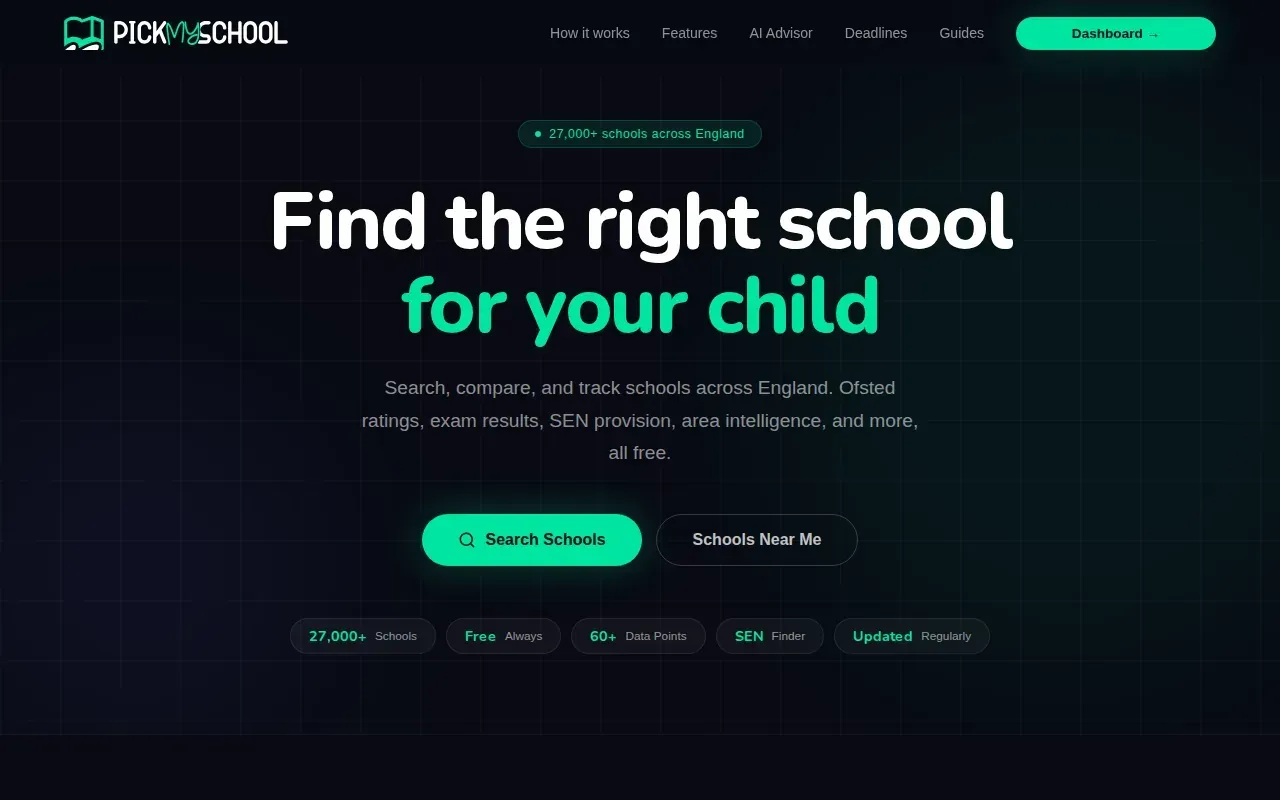
For families considering additional needs support, SEN means special educational needs. An EHCP, or education, health and care plan, sets out a child’s needs and the support they should receive. PickMySchool includes SEN provision among its search filters, which can help you identify schools for further checks.
A filter is a starting point, not proof that a school can meet an individual child’s needs. Published information can show recorded provision or pupil data, but the school needs to explain how support works in practice. Ask who would coordinate support and how the school would keep you informed about your child’s progress.
Families can also use Schoolwize’s explanation of its data sources to understand how official figures are presented and where derived comparisons come from. That distinction matters: a benchmark can put a result in context, but it doesn’t change the original figure published by the source.
PickMySchool is free to use. If you use filters to make a shortlist, follow up by checking the underlying school information and the local admissions rules.
5. SchoolChecker: search and compare schools by postcode
SchoolChecker lets families search schools in England by postcode and compare several measures, including Ofsted ratings, exam results, pupil demographics, absence and exclusions. It suits parents who want to begin with a local area and then compare schools on more than attainment alone.
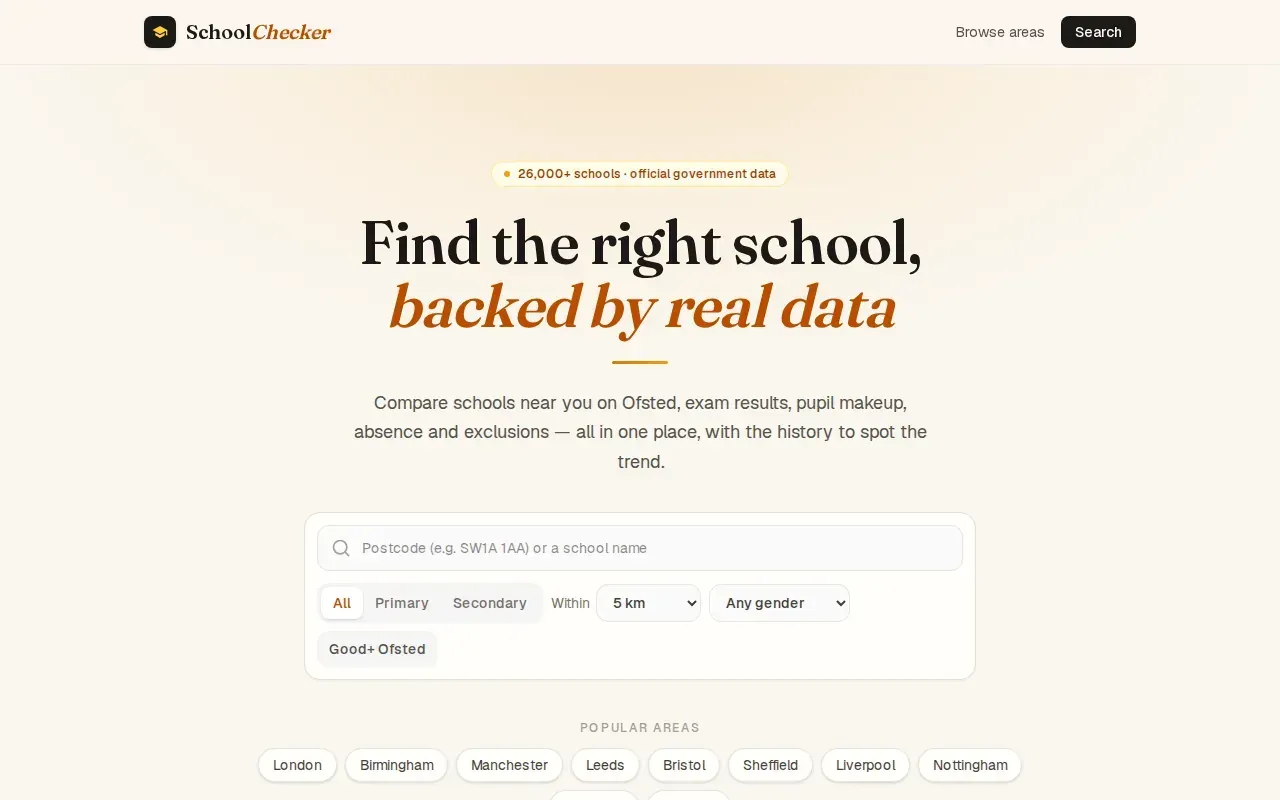
Its multi-year history can help you see whether a measure has moved over time. That matters because a single year may not reflect a lasting pattern. Still, check that the years use comparable measures before reading a rise or fall as a clear change in school performance.
Absence and exclusions add context, but they don’t explain why a figure changed. A school’s pupil intake and local circumstances also shape the numbers. Use these measures as prompts for questions, not as a stand-alone score for judging a school.
Postcode search can help you find nearby schools, but distance alone doesn’t set your chance of getting a place. Admissions rules vary. Check the council’s current guidance and the school’s published criteria before making an application.
For families who already have a shortlist, the main value is seeing several types of information together. Keep a note of which measures matter most to your child, then use the same measures when reviewing each school.
Compare the shortlist: results, context and school fit
No single table can tell you which school will suit your child. Use each site for the kind of evidence it presents, then check the source, date and definition behind any result you plan to rely on.
| Site | Useful for | What to keep in mind |
|---|---|---|
| Schoolwize | KS2 subject results, local and England benchmarks, trends and wider school context | Benchmarks and trends are Schoolwize analysis of official data; deeper subject detail needs a Decision Pass |
| schoolcompare | Side-by-side review of up to five schools, with primary subject results | Check the measure and period shown for each result |
| School Owl | League tables and admissions information across school phases | Focus on primary evidence for a Reception or primary-school choice |
| PickMySchool | Search filters that include SEN provision and location | Confirm support directly with the school for your child’s needs |
| SchoolChecker | Postcode search with results, context measures and multi-year history | Nearby location does not determine an admissions offer |
For SATs, the expected standard is the level a pupil is expected to reach in reading, writing and maths by the end of primary school. Greater depth indicates a higher level where that result is published. Compare like with like, and don’t assume that a higher figure tells the whole story about teaching or school life.
When you read inspection information, check the date and the areas assessed. The government’s school admissions guidance can help you check the process and application requirements. For a local example of how school pages can be organised by area, see schools in Essex on Schoolwize.
Teacher expertise and the way lessons are taught also matter, but a school comparison figure won’t tell you how a teacher will support your child. Ask about the teaching approach, how staff help pupils who need extra support and how the school shares progress with families. A visit can give you context that published data cannot.
Keep your comparison focused. Pick the measures that connect to your child’s needs, look for patterns across time, then write down the questions you want answered at an open day or school meeting.
Frequently asked questions
Which site is best for comparing primary schools?
The right site depends on what you need to compare. Schoolwize is suited to families who want KS2 results by subject, benchmarks and trends alongside wider school context. Other sites can help with league tables, filters or postcode searches. Use the site that shows the evidence relevant to your child, then check key details with the school and your local council.
What should I compare when choosing a primary school?
Compare KS2 reading, writing and maths results, but don’t stop at one year or one headline. Check inspection information and its date. Look at attendance and pupil context where available. If your child needs additional support, ask the school how provision works for children with similar needs. A visit can help you understand the school’s daily life.
Do Ofsted ratings tell me which primary school is right for my child?
No. An Ofsted inspection gives you evidence about the school at the time of the inspection, but it can’t decide whether the school fits your child. Read the inspection details and date, then consider results and wider context. Ask the school about anything that matters to your family, especially if circumstances may have changed since the inspection.
Can school comparison sites tell me if my child will get a place?
No comparison site can guarantee an offer. Admissions depend on the school’s published rules and the applications it receives. Check the current criteria with your local council and the school. Distance, siblings, faith or other rules may affect how places are allocated, so a nearby school isn’t automatically a likely offer.
Conclusion
Start with Schoolwize if you want to compare official primary-school evidence by subject and over time, then use a visit to test what the figures can’t show. Search for your shortlisted schools and take one specific question about your child’s needs into your next conversation with a school.