

Choosing a school means weighing more than one headline score. These tools for comparing schools in England bring different parts of the picture together, but they don’t all show the same things. Here are five options, starting with Schoolwize, and what each can help you check.
Table of Contents
- Schoolwize: subject-level evidence and school trends
- schoolcompare: compare five English schools on one screen
- PickMySchool: broad search with school filters
- SchoolChecker: postcode search and school context
- School Atlas: school information across the UK nations
- Compare the five school research tools at a glance
- Frequently asked questions
- Conclusion
1. Schoolwize: subject-level evidence and school trends
Schoolwize turns official school data into plain-English profiles for families choosing schools across England. It’s useful when you want to look past an overall score and check how a school performs in a subject your child may study.
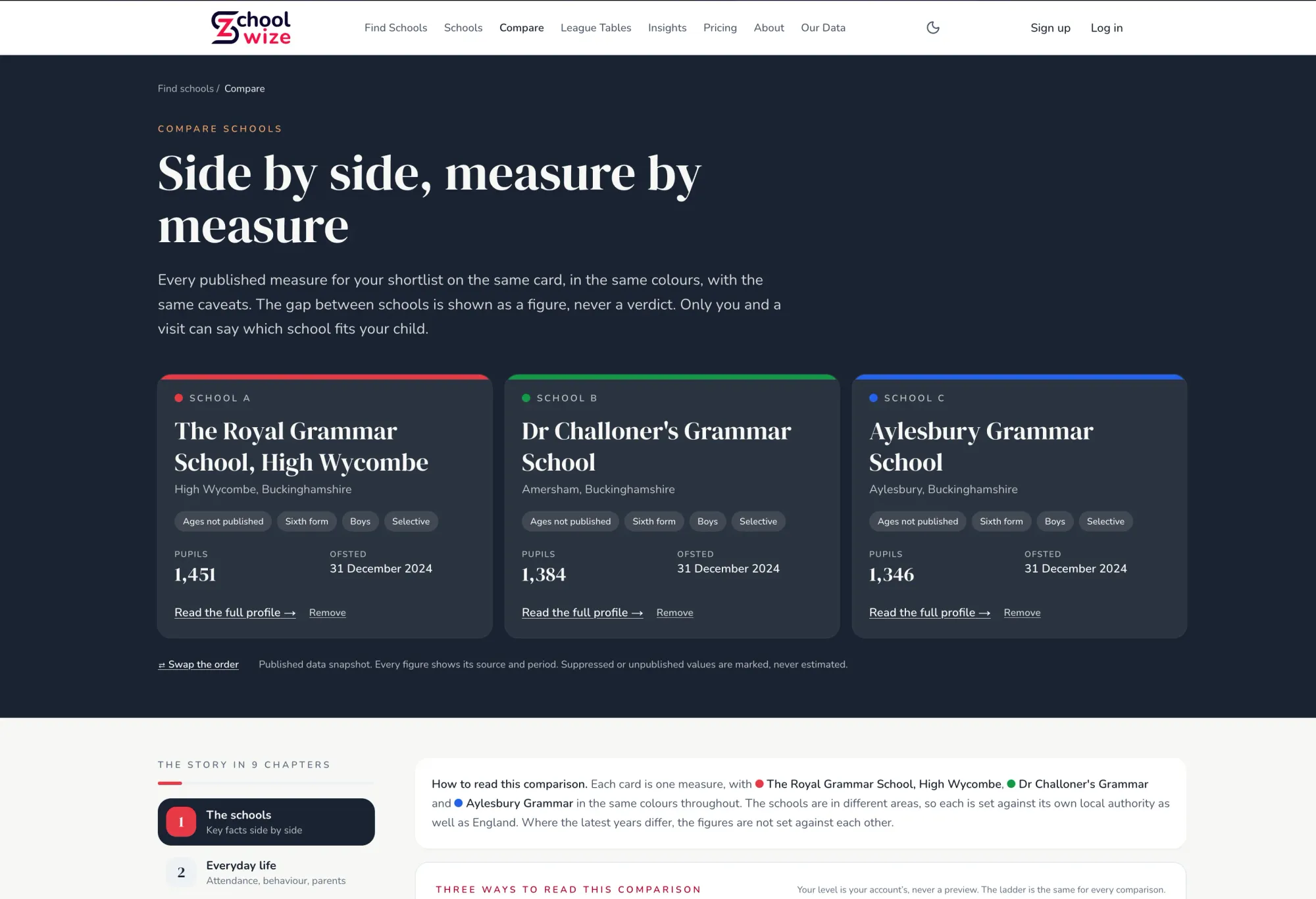
For secondary choices, GCSE results appear subject by subject and grade by grade. Attainment 8, a summary of pupils’ GCSE results across a range of subjects, can help you get an overview. But it can hide different subject strengths within schools that have similar scores. Schoolwize lets you see more of that detail, with figures benchmarked against the local authority and England. That detail goes down to a single subject at a single grade — for example, the percentage of GCSE entries at grade 7 in chemistry, with the number of pupils taking the subject where that's published. The benchmarks matter as well: a school can sit above the England figure in a subject yet below its local authority figure — strong nationally, less so for your area. Seeing school, local authority and England on the same scale shows you both comparisons at once, so you know which question you're answering.
For primary choices, the profiles show Key Stage 2 results in reading, writing and maths. You can see the latest published results alongside trends over time. Those trends are Schoolwize’s analysis of official figures, not figures supplied ready-made by the government. Comparisons also mark breaks where results aren’t directly comparable.
Profiles also bring together inspection history and wider information such as attendance, pupil context and destinations. For children with additional needs, published information can show SEN support, EHCP context and recorded provision. It can help you prepare questions for a school, but it can’t tell you whether that school will meet your child’s individual needs.
Schoolwize doesn’t assign an overall score or declare a winner. You can browse schools by local authority if you’re comparing areas, including after a move. It’s free to browse, with a one-off Decision Pass for deeper subject-level detail.
When your shortlist is down to two or three schools, Schoolwize also has a school comparison tool. It puts your chosen schools side by side, measure by measure — Key Stage 2, GCSE and A-level results, attendance, Ofsted information, admissions, staff and destinations — with local authority and England context alongside each figure. The gap between schools is shown as a figure, never a verdict, so you can see where their patterns differ and weigh up what matters for your child.
2. schoolcompare: compare five English schools on one screen
schoolcompare puts five English schools on one screen. It’s a direct fit if you’ve already made a shortlist and want to compare published measures side by side.
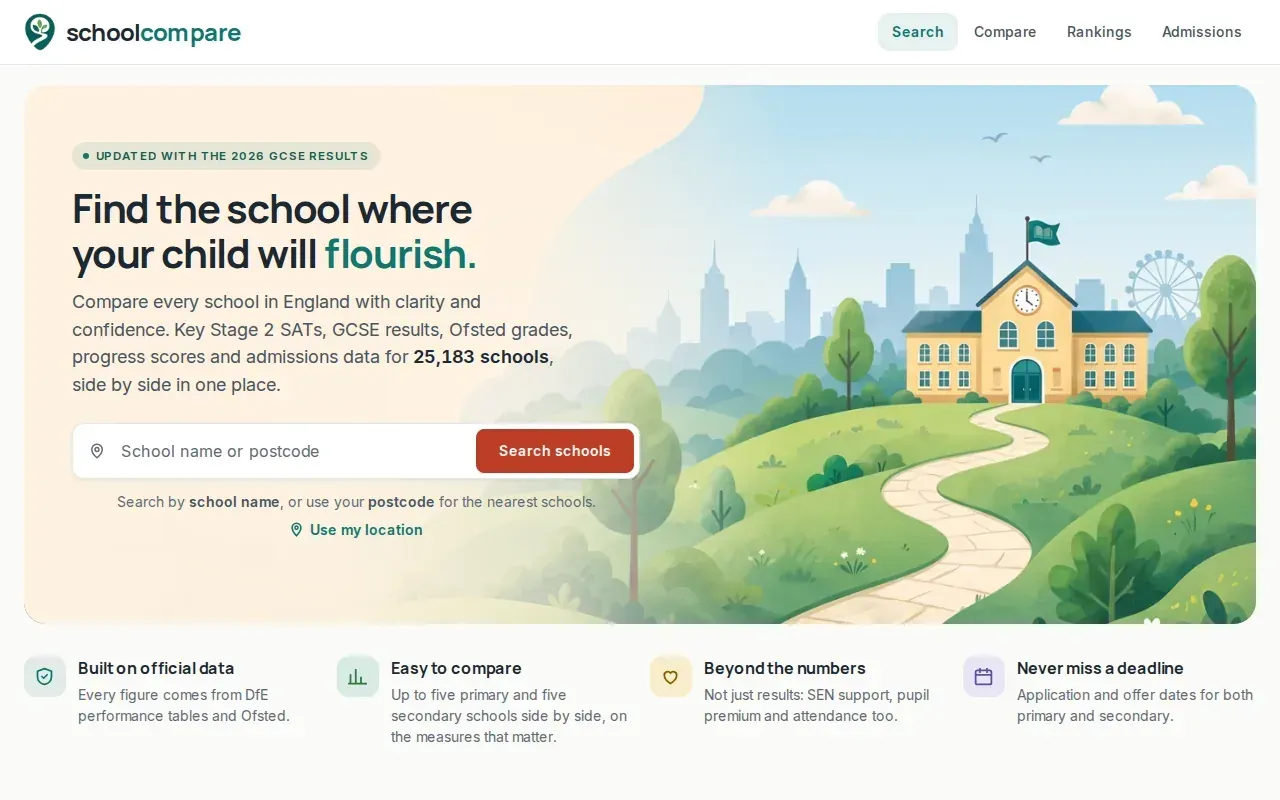
The tool brings together SATs results, GCSE results, Ofsted grades and information about how close families had to live to get a place. It’s free and doesn’t require sign-up. That can make it easier to compare schools without keeping separate figures in your head or switching between several profiles.
Primary and secondary results aren’t the same measure. For a primary school, SATs data can help you review outcomes at the end of Key Stage 2. For a secondary school, GCSE results provide a different view of pupils’ outcomes. The figures can guide your questions, but they don’t show everything that shapes a child’s experience.
Ofsted information is also a starting point, not a full account of day-to-day school life. Read the inspection date and report alongside the rating. A report records what inspectors found at that time; it can’t tell you what your child’s experience will be like in every class.
If a comparison shows a gap between schools, check which measure sits behind it. A headline result can be shaped by the subjects pupils take and by the school’s intake. For deeper detail by subject and grade, Schoolwize presents official data with local and national context. schoolcompare may suit families who mainly want a compact view of several schools at once.
3. PickMySchool: broad search with school filters
PickMySchool lets families search and compare more than 27,000 schools across England. It’s aimed at people who want to narrow a broad search using filters before they build a shortlist.
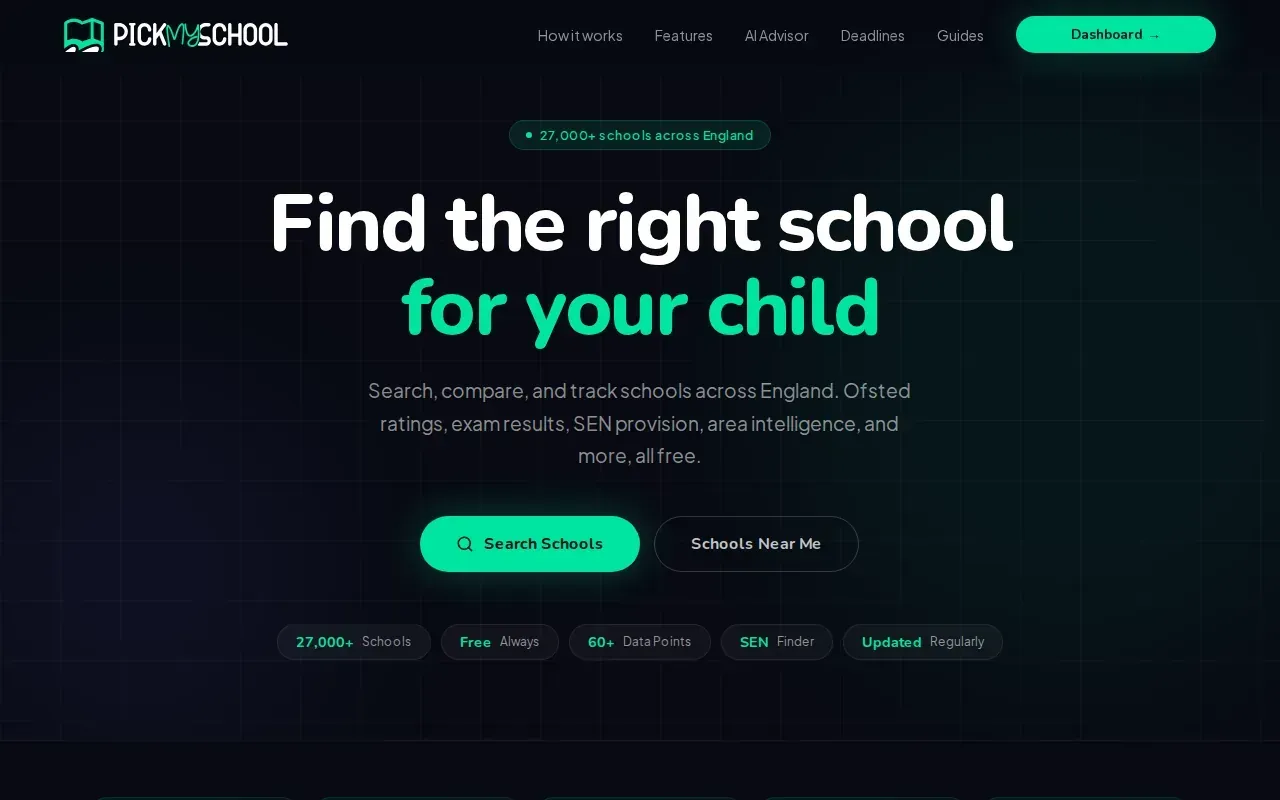
Its filters include Ofsted rating, exam results, SEN provision and location. The service is free to use. If you’re new to an area, filters can help you focus on schools near your postcode or on schools that match a particular need.
School type matters when you compare results. England has community schools, academies, free schools, grammar schools, faith schools and independent schools. A grammar school selects pupils by academic ability, while many state schools admit pupils using published local criteria. A comparison tool can help you review performance, but it doesn’t replace checking the admissions rules for each school.
For secondary entry, ask whether a school is selective and what its admissions process involves. Some grammar schools use the 11+ exam. The test and entry rules can vary by area and school, so check the details with the relevant school or council rather than assuming one process applies everywhere.
PickMySchool can help you make an initial shortlist. For results, remember to separate primary SATs from secondary GCSE and A-level outcomes. A filter helps narrow the field; a closer look at subject results, inspection reports and school visits helps you judge what matters for your child.
Schoolwize also lets you check how its school data is sourced. That can be useful when you want to know whether a figure comes from an official release or is a comparison calculated from published data.
Key takeaway: Use filters to shape a shortlist, then check the measures that match your child’s next school stage.
4. SchoolChecker: postcode search and school context
SchoolChecker lets you search for schools in England by postcode. It’s worth considering if you’re starting with a location and want to compare schools using several kinds of published information.
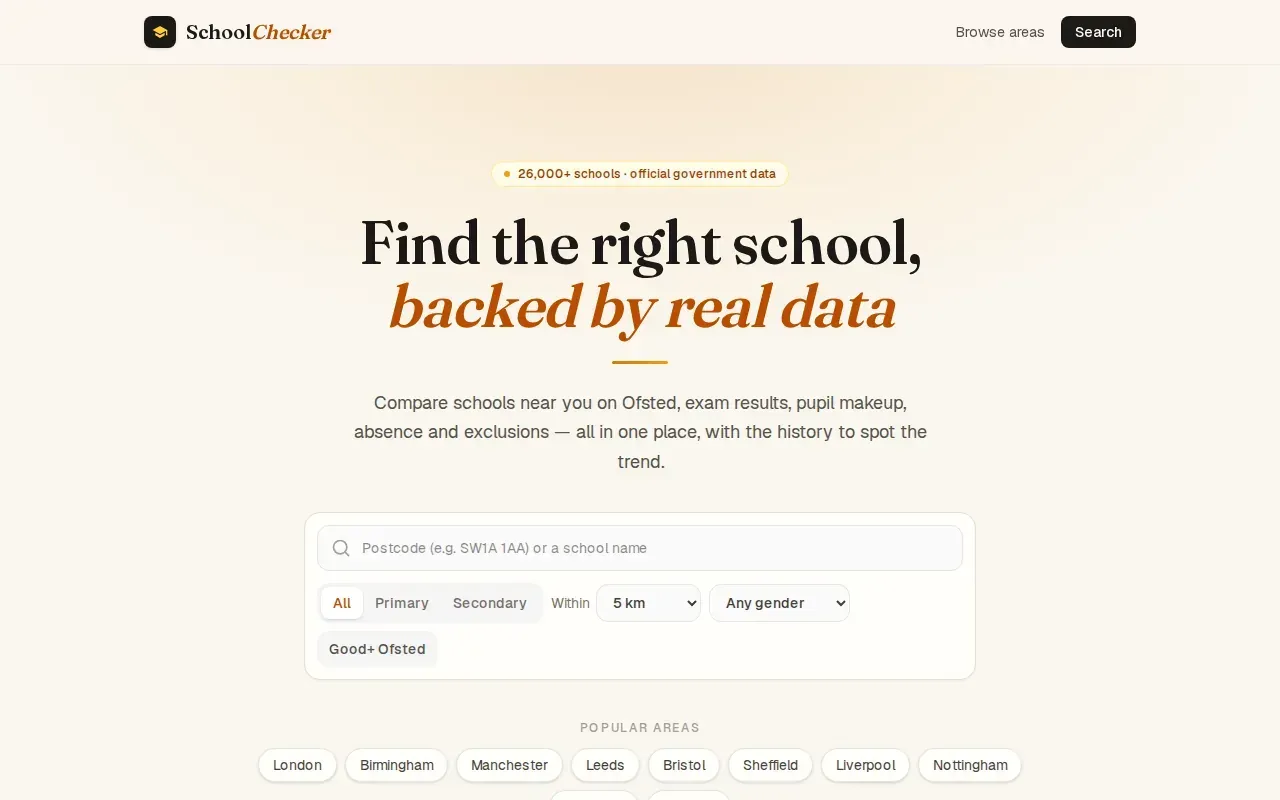
Its comparisons cover Ofsted ratings, exam results, demographics, absence and exclusions. It also shows multi-year history, using official government data. Looking at more than one year can help you see whether a result is part of a pattern or a change in a single year.
Attendance and exclusions add context, but neither is a simple measure of school quality. A figure needs to be read alongside its source, time period and the circumstances of the pupils. Similarly, demographic information describes the school community. It isn’t a score for how well the school will support one particular child.
When you compare secondary schools, Attainment 8 and Progress 8 answer different questions. Attainment 8 summarises GCSE grades. Progress 8 measures pupils’ progress from the end of primary school, compared with pupils with similar starting points. Neither measure tells you which subjects your child will thrive in, so check subject-level outcomes where available. Schoolwize's multi-year trends run at subject and grade level, not only on headline measures.
For a closer look at GCSE comparisons, you can review Schoolwize’s GCSE results information and then open individual school profiles. Treat a league-table position as a prompt to inspect the underlying figures, not as a verdict on which school suits your family.
SchoolChecker’s postcode search makes it a location-led option. If your main question is how a school’s results compare over time, check that the particular measure you care about has a usable history for that school.
5. School Atlas: school information across the UK nations
School Atlas covers schools across the UK’s four nations. It can help families who want to compare schools across national borders, or who are researching a move between England, Wales, Scotland and Northern Ireland.
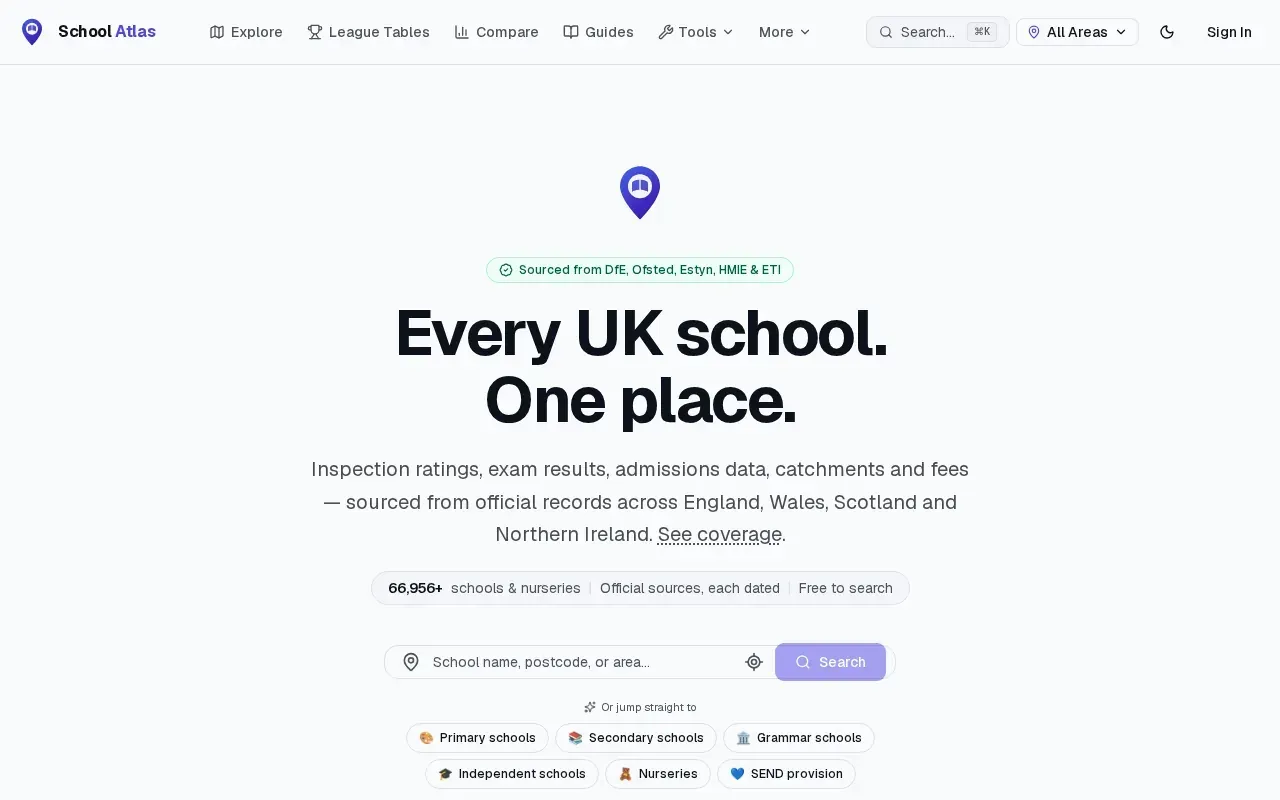
Its school information includes inspection ratings, exam results, admissions data, catchments and fees, with information sourced from official inspectors across the nations. The comparison view can show measures such as KS2, GCSE and A-level results where published, alongside inspection grades and admissions details.
Take care when comparing schools in different nations. Their exam systems and inspection frameworks differ, so the same-looking column may not mean the same thing. The school’s nation and the name of its inspectorate help you understand which system applies. For schools in England, Ofsted reports are useful evidence, but it’s sensible to read the report itself and note its date.
Families comparing independent schools may also want to consider fees. Where fees are relevant, check the school’s own current information and ask about any bursaries or scholarships directly. Costs and support can vary, so a comparison page is a starting point rather than a full account of what a place would cost your family.
School Atlas is the only option in this shortlist that covers all four UK nations. For a family choosing between schools within England, a tool focused on English data may make it easier to compare results within the same system. Either way, don’t treat a league table as a complete measure of school life.
Ofsted is the inspectorate for schools in England. Inspection findings offer one view of a school at a point in time; they’re best read with performance data and your own questions.
Compare the five school research tools at a glance
The right tool depends on what you need to find out first. This table focuses on the main comparison use each option is known for, rather than treating unlike features as a single score.
| Tool | Useful when you want to… | What to keep in mind |
|---|---|---|
| Schoolwize | Review subject and grade results, benchmarks and trends for schools in England | It presents evidence rather than naming an overall winner |
| schoolcompare | Put five English schools side by side, including SATs, GCSE and Ofsted information | Check each measure against the school phase |
| PickMySchool | Search across England with filters for location, results, Ofsted and SEN provision | Confirm admissions rules with the school or council |
| SchoolChecker | Start with a postcode and compare results with wider school context over time | Read context measures alongside results |
| School Atlas | Compare school information across the UK nations | Different nations use different inspection and exam systems |
Families can use a service to search for schools and colleges in England and check performance. See the service for current notices and guidance.
For families comparing sixth forms, A-level results by subject and destinations after 16 or 18 can matter more than a school’s GCSE summary. Schoolwize brings published information into profiles, and its A-level school results pages can help you start that review. Check what each measure covers before comparing schools.
Pro tip: Write down the question you want each figure to answer. For example, “How does maths performance compare with the local authority?” is more useful than asking which school has the biggest score.
Compare schools using published evidence You can place schools side by side and review the measures that matter to your family.
Frequently asked questions
How do I compare schools in England?
Compare schools using measures that match your child’s stage. For primary schools, start with Key Stage 2 results and inspection history. For secondary schools, review GCSE results by subject, then add attendance and wider context. Check more than one year where data is available, and visit schools to ask about the points the figures raise.
Are Ofsted ratings enough to choose a school?
No, an Ofsted rating alone isn’t enough to choose a school. It reflects inspectors’ findings at a particular time and doesn’t tell you every detail of your child’s likely experience. Read the inspection report and date, then compare published results, subjects, attendance and provision. A school visit can help you ask questions the published data can’t answer.
What’s the difference between Attainment 8 and Progress 8?
Attainment 8 summarises GCSE results across a set of subjects. Progress 8 compares pupils’ GCSE progress with that of pupils who had similar results at the end of primary school. They measure different things, so neither should be used alone. Look at subject results too, especially when you’re choosing a school for a particular area of study.
Can a school comparison tool tell me if my child will get a place?
A comparison tool can help you review school information, but you should check admissions rules with the school or council. Places may depend on criteria such as distance, siblings, faith or selection. Published preference information is not the same as a promise of admission. For a grammar school, check the relevant 11+ process and entry criteria directly.
Conclusion
Start with Schoolwize if you want to compare official school data in England by subject, grade and trend, then use the results to shape your questions for each school. Build a shortlist on Schoolwize and choose one result you’d like a school to explain in more detail.